How to Design Slides for Hybrid Presentations – Slide Marvels
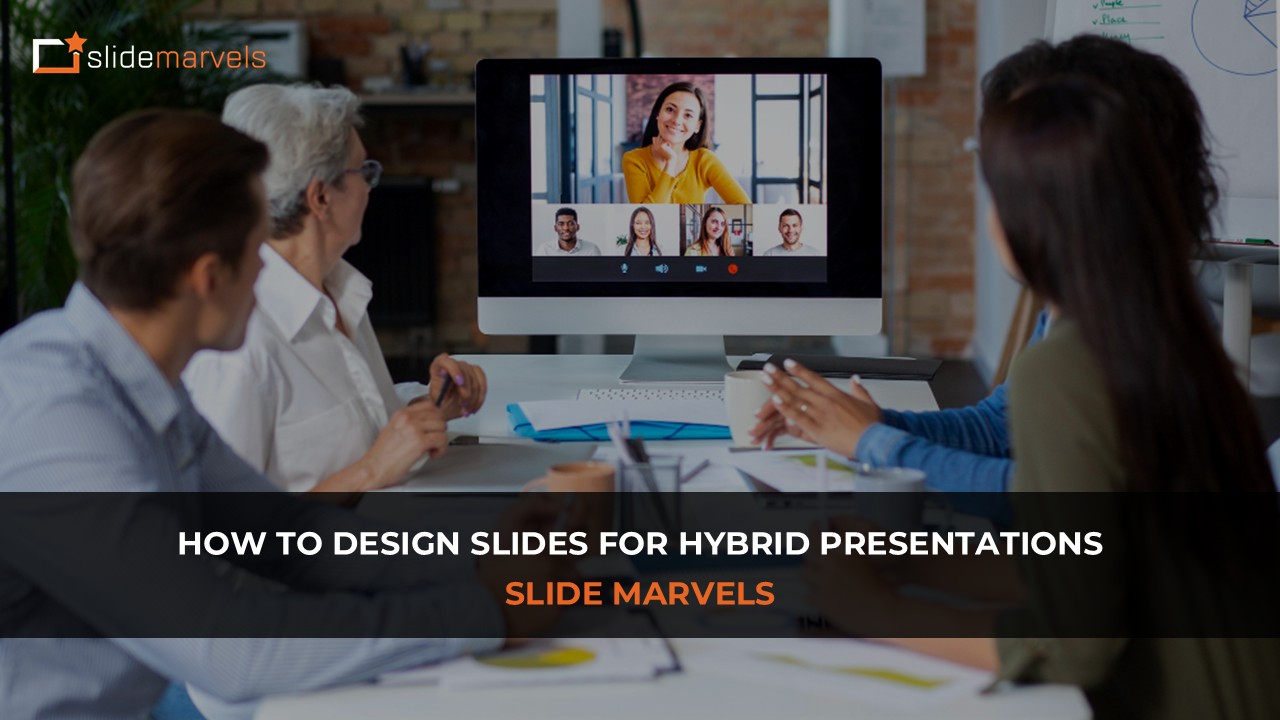
Hybrid presentations where some participants attend in person while others join remotely, have become a permanent part of modern workplaces. Whether it’s board meetings, training sessions, or conferences, presenters must now design slides that work equally well for two different audiences at the same time.
However, hybrid presentations introduce unique challenges. In-room audiences rely on projected screens and body language, while remote viewers depend entirely on what they see through their device screens. If slides are not designed carefully, one group inevitably receives a weaker experience.
Therefore, thoughtful slide design becomes essential. Let’s explore how to design slides that keep both in-person and remote audiences equally engaged.
Understand the Hybrid Viewing Experience
Before designing slides, it’s important to understand how hybrid audiences consume visual information.
In-person viewers typically see slides projected on a large screen, often from a distance. Remote viewers, however, watch through laptop or mobile screens, sometimes in small video-conference windows.
This difference means slides must be clear, scalable, and readable in multiple environments.
For example, text that looks acceptable on a conference room screen might appear tiny or cluttered when streamed through video conferencing platforms.
The key principle is simple: design for clarity first, then for aesthetics.
Use Larger Text Than Usual
Hybrid presentations require larger text compared to traditional slides.
A good rule is:
- Headings: 36–44 pt
- Body text: 24–32 pt
Large text ensures that:
- People at the back of the room can read easily.
- Remote viewers can see content clearly even when the screen is shared in a smaller window.
Additionally, avoid long paragraphs. Instead, use short phrases or bullet points that communicate ideas quickly.
Remember: slides should support the speaker, not replace them.
Prioritize Visual Content Over Text
Visual communication becomes even more important in hybrid environments.
Remote participants often multitask or face screen fatigue. Strong visuals help them stay focused.
Use:
- Icons to represent ideas
- Diagrams to explain processes
- Charts instead of numerical lists
- Images to create emotional impact
When visuals replace text-heavy slides, both audiences absorb information faster and more effectively.

Design Slides with High Contrast
Hybrid presentations often suffer from lighting differences.
For example:
- Conference room lighting may wash out projected slides.
- Remote viewers may have lower screen brightness.
To solve this, use high-contrast color combinations, such as:
- Dark text on light backgrounds
- Light text on dark backgrounds
Avoid low-contrast combinations like light gray text on white backgrounds, which become difficult to read in hybrid settings.
Keep Layouts Clean and Structured
In hybrid presentations, cluttered slides quickly become overwhelming, especially for remote participants.
Use structured layouts that guide the audience’s attention.
Helpful layout techniques include:
- Clear visual hierarchy
- Consistent alignment
- Balanced spacing
- Strong focal points
A simple slide layout ensures the audience can grasp the message within 3–5 seconds.
Consider Screen Sharing Limitations
Most hybrid presentations rely on platforms such as Zoom, Microsoft Teams, or Google Meet.
These platforms compress video and reduce screen clarity. As a result:
- Fine details may become blurry
- Small charts may lose readability
- Complex diagrams may appear crowded
To prevent this:
- Simplify charts
- Use thicker lines in diagrams
- Increase spacing between elements
Design slides assuming they will be viewed through a compressed video stream, not just on your own screen.
Make Slides Accessible for All Viewers
Hybrid presentations often involve diverse audiences with different viewing abilities.
Design slides with accessibility in mind:
- Use readable fonts
- Avoid color-only distinctions in charts
- Include labels for icons and graphics
- Maintain sufficient contrast
Accessible design improves comprehension for everyone, not just people with visual challenges.
Use Repetition and Consistency
Consistency helps audiences follow the presentation effortlessly.
Maintain uniform elements across slides such as:
- Font styles
- Color palettes
- Layout structure
- Icon styles
When slides feel visually consistent, viewers spend less time interpreting the design and more time understanding the message.
Test Slides in a Hybrid Setup
Before presenting, test your slides in conditions similar to the real presentation.
Try the following:
- Share your screen on a video conferencing platform.
- View the slides from a second device.
- Sit farther from the screen to simulate in-room viewing.
This simple test helps identify problems such as:
- Small text
- Low contrast
- Overly complex visuals
Making adjustments beforehand ensures a smoother presentation experience.
Final Thoughts
Hybrid presentations are not simply traditional presentations streamed online, they are a new communication format that requires intentional slide design.
When slides are designed with clarity, scalability, and visual simplicity in mind, both in-person and remote audiences receive the same high-quality experience.
By focusing on readability, visual storytelling, and structured layouts, presenters can ensure their message reaches everyone, no matter where they are watching from.
A message from Slide Marvels
At Slide Marvels, we help professionals transform complex ideas into visually compelling presentations. From redesigning cluttered slides to building fully customized decks, our goal is to make every presentation clear, engaging, and impactful.
If you want your slides to stand out in boardrooms, webinars, or hybrid meetings, visit slidemarvels.com to learn how we can help elevate your presentations.
Connect with Us: LinkedIn – Slide Marvels | Twitter – SlideMarvels | Instagram – slidemarvels